
Planning circular-economy solutions
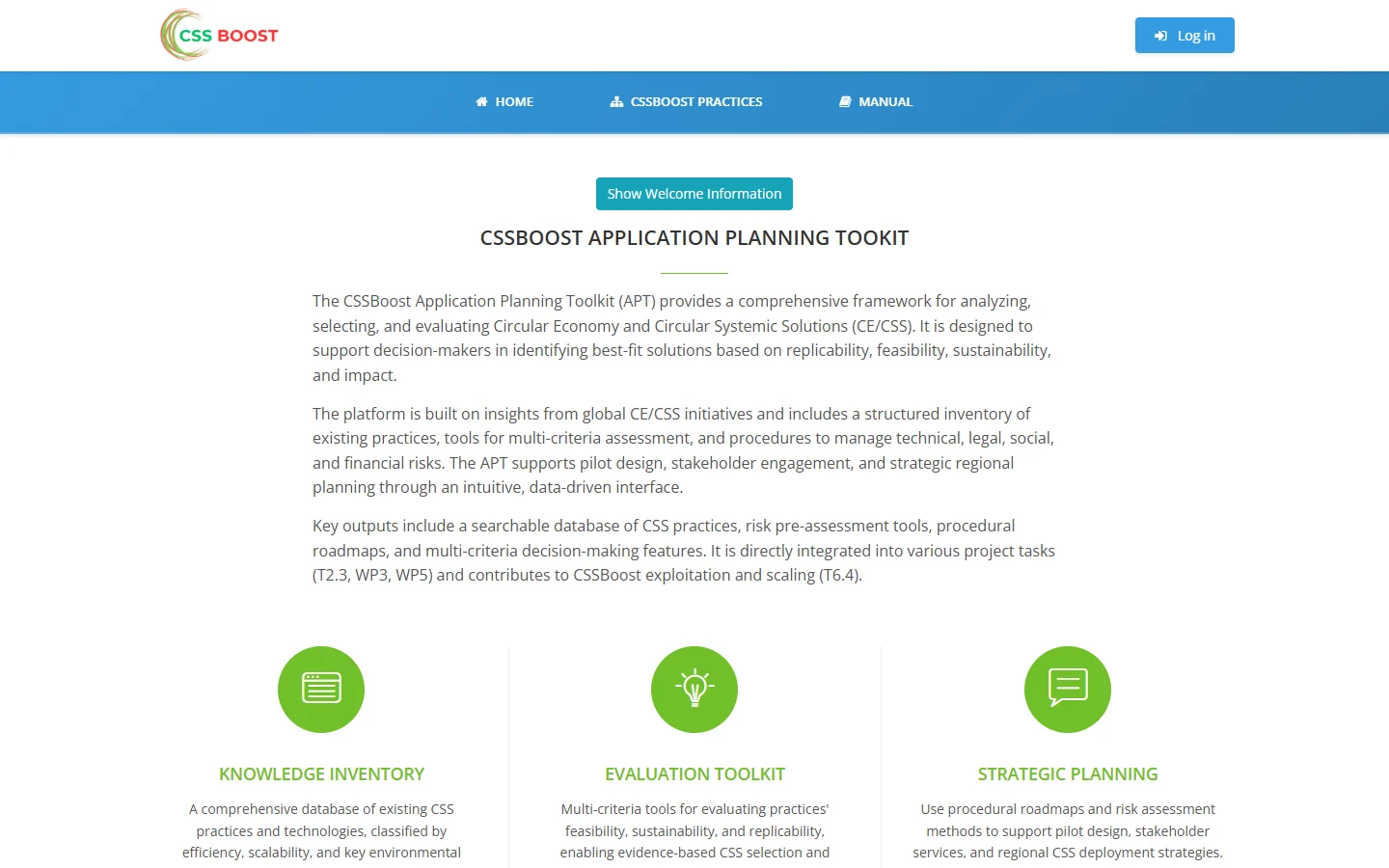
A three-part framework for analysing and selecting circular-economy solutions: a public Knowledge Inventory of existing practices, a login-based Evaluation Toolkit for multi-criteria assessment of feasibility and sustainability, and a Strategic Planning module for roadmapping and risk assessment.
Built in the CSSBoost project, funded by the European Union. Guests can browse the inventory of practices; registered users take part in moderated evaluation sessions.
Roles in an evaluation session
Guests
Browse the CSSBoost value chains and filter practices without logging in.
Participants
Weight the criteria, score the options and review their own evaluation results.
Session moderators
Set up participants, options and criteria, and view the group's collective results.
From an inventory of practices to a ranked choice
Knowledge inventory
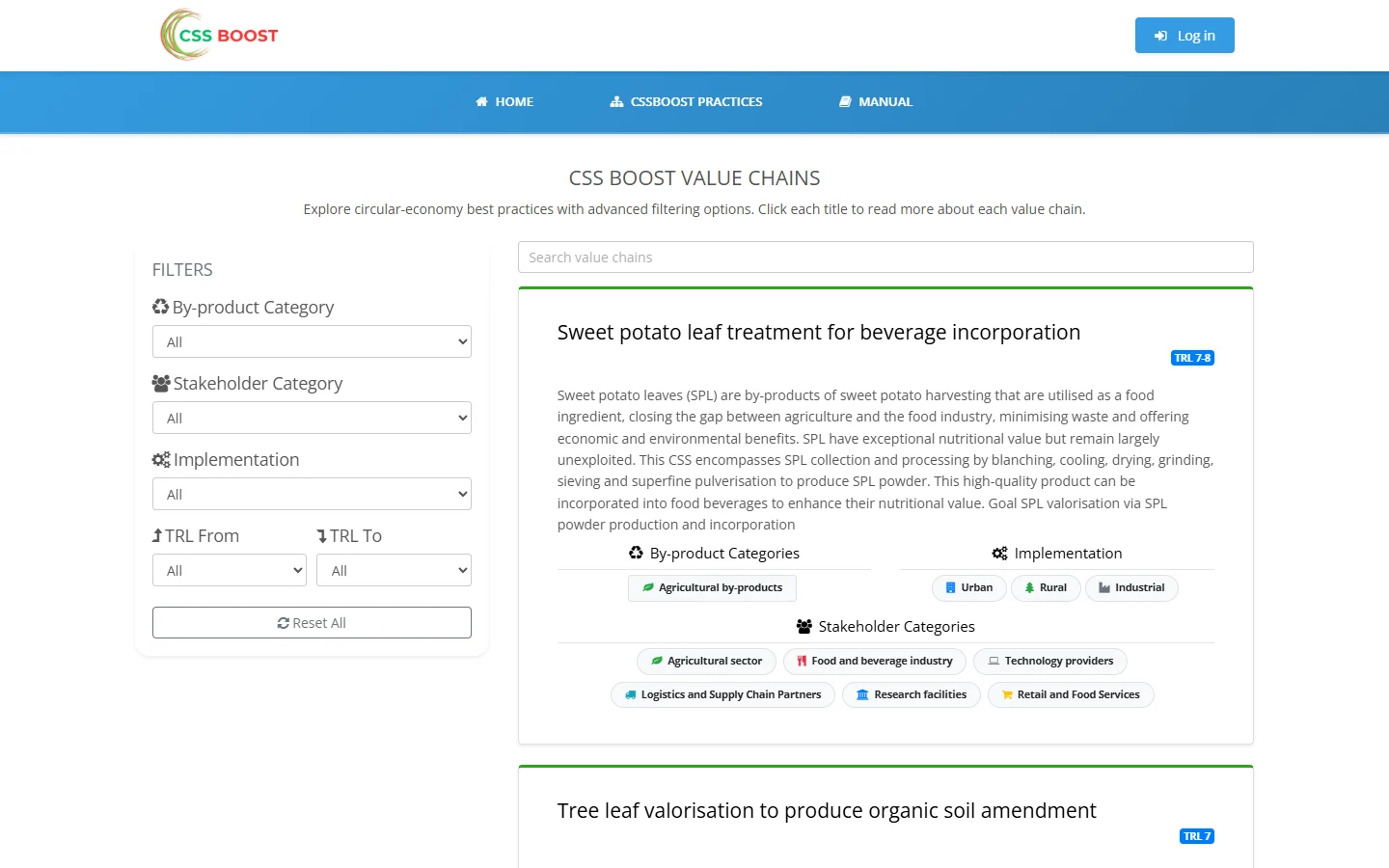
A searchable database of circular systemic solutions, filtered by by-product, stakeholder, urban, rural or industrial implementation, and technology readiness level.
Multi-criteria evaluation
Participants weight criteria such as circularity or social impact and score each option. The toolkit computes total scores and rankings.
Individual and group results
Bar, spider and box-plot charts compare each participant's scores and weights with the group's.
Strategic planning
Barrier-mitigation roadmaps and risk assessment for each value chain support pilot design and regional deployment.
The public inventory
How an evaluation session runs
- 01
Create a session
A platform administrator creates the session and assigns its moderators.
- 02
Set the options
Moderators add participants and import options from the inventory or create new ones.
- 03
Choose the criteria
Moderators keep, add or remove criteria to fit the decision.
- 04
Weight and score
Each participant weights the criteria and scores every option.
- 05
Compare results
Participants see their own ranking. Moderators see the collective group evaluation.